Short version. Campfire is one of the best tools for writers who live in the worldbuilding side of fiction: maps, timelines, relationship webs, and deep lore. Penflow is simpler and writing-first, with a built-in Codex for characters and places, local plain files, and a free plan to get started. If worldbuilding depth is what you need, Campfire is genuinely stronger right now. If you want to write your book and track your world as you go, Penflow costs less and keeps your files on your own computer.
| At a glance | Penflow | Campfire |
|---|---|---|
| Where your book lives | Plain Markdown files on your computer | In the cloud on Campfire's servers |
| Price to start | Free for one novel, no time limit | Free base, paid modules add up per category |
| Worldbuilding depth | A simple Codex for characters, places, and rules | Dedicated modules for maps, timelines, relationships, lore, and more |
| File ownership | Open in any editor, nothing locked in | Your data lives in Campfire's cloud |
| AI help | Optional chat and rewrites; Supporter plus your own API key | Limited AI features |
| Writing focus | Writing-first, worldbuilding as you go | Worldbuilding-first, writing is one module among many |
| Platforms | Mac desktop app | Browser-based, works anywhere |
If you have ever signed into Campfire and found yourself browsing modules instead of writing, you are not alone. Campfire is a thoughtfully built tool, and it is also a tool that puts worldbuilding at the center of everything. For some writers, that is exactly right. For others, it starts to feel like the world-building is getting more attention than the actual book.
Why writers look for a Campfire alternative
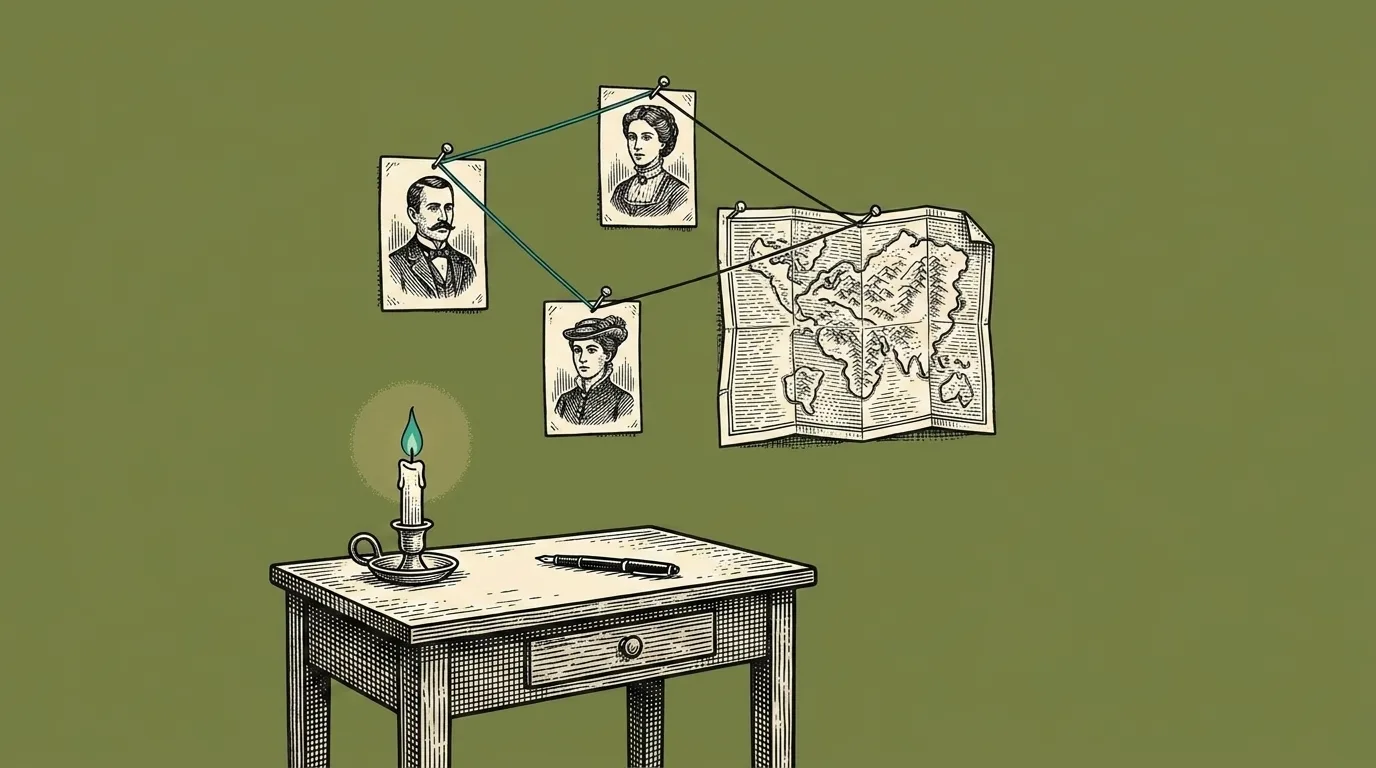
Campfire’s strength is depth. There are modules for characters, locations, timelines, maps, relationship webs, magic systems, and more. Each one is a real tool, not a shallow checkbox. That depth is the point, and it serves writers who genuinely use it.
The friction shows up in two ways. First, the pricing model is modular, which sounds flexible but can get complicated. You add a category here, a feature there, and the monthly total keeps moving. Second, the writing itself is one module among many. If you open the app wanting to write the next scene and end up clicking through your character map instead, the tool is working as designed. But that might not be how you work.
Cloud-only storage is another consideration. Your manuscript and all your worldbuilding data live on Campfire’s servers. That is normal for browser tools, but it means you are trusting a company with your book.
What Penflow does differently
Penflow is a desktop novel writing app that stores your manuscript as plain Markdown files on your own computer. Your scenes, chapters, and Codex entries are all readable text in a folder you control. A free account is required for writing and export inside Penflow.
The Codex in Penflow is built in from the start. You create entries for characters, places, and rules, and they sit beside your scenes while you write. It is not as deep as Campfire’s full module library. But it covers what most writers need while they are in the middle of drafting: who is in this scene, where are they, what is the rule I established in chapter four.
The pricing is straightforward. Free for your first novel. The Supporter plan is $4 a month and adds unlimited books plus optional AI that runs on your own key. There are no modules to buy.
Optional AI can answer questions about your story, proofread text and suggest rewrites of selected passages. You choose what to apply. It requires Supporter and your own OpenRouter key; relevant book context is sent through Penflow to OpenRouter and a model provider. In version 0.2.15, automatic story-note checks are off by default and have a separate switch in Account. See how AI uses your text.
Where Campfire still wins
This is the part that matters if you are genuinely deciding between the two.
Campfire is ahead on worldbuilding and probably will be for a while. If you build fictional worlds with detailed geography, visual relationship graphs between characters, interactive timelines, and lore that spans multiple books, Campfire is built for that. Penflow’s Codex is a flat list of entries. It does not have maps, relationship visualizations, or timeline tools. Those things are on the roadmap but they are not there yet.
If your joy as a writer is in building the world first and the manuscript follows, Campfire is the honest recommendation. For a sense of what the earlier stages of a project can look like when writing comes first, the guide on how to start writing a book covers the approach Penflow is built around.
Moving from Campfire to Penflow
It is simpler than it might look. Export your manuscript from Campfire as plain text or Markdown. Bring those scenes into Penflow and set up your chapters. For your worldbuilding, go through your most important characters and places and add them as Codex entries. You will not recreate everything, and you probably do not need to. Most writers find that moving forces a useful edit: you carry forward what you actually reference while you write, and leave the rest behind.
If you are mid-project, many writers keep Campfire open for an existing world and start the next book in Penflow to see how the two approaches feel side by side.
Who each one is for
Choose Penflow if
you want to open the app and write, keep your manuscript in plain files on your computer, and pay nothing for your first book. You want a Codex to track characters and places without buying separate modules. You care about owning your files.
Stay with Campfire if
you build large, intricate fictional worlds and want dedicated tools for maps, timelines, relationship graphs, and detailed lore categories. The module model suits you because you pick only what you need. Being browser-based does not bother you.
Common questions
Is there a free alternative to Campfire Writing?
Yes. Penflow is free to write your first novel with no time limit. You get scenes, chapters, an outline, and a Codex for characters and places without paying anything. Campfire has a free base plan too, but most of the useful tools are paid modules. For a writer who wants a single free app to write and track a story, Penflow covers the basics at no cost.
Does Penflow have worldbuilding tools like Campfire?
Not to the same depth. Penflow has a built-in Codex where you create entries for characters, places, and rules, and you can reference them while you write. Campfire goes much further with dedicated modules for maps, visual relationship graphs, timelines, and detailed lore categories. If building out a rich fictional world is central to your process, Campfire is stronger right now. Penflow's worldbuilding direction is growing but it is intentionally lighter today.
Can I move my Campfire project to Penflow?
You can bring your manuscript over. Export your writing from Campfire as plain text or Markdown, then import those scenes into Penflow. Your worldbuilding notes can come across as plain text too. What does not transfer is the structure of Campfire's modules, since Penflow uses a different, simpler Codex system. Most writers find it worth starting fresh with the Codex entries that matter most.
Is Penflow cheaper than Campfire?
For most writers, yes. Penflow is free for one book. The Supporter plan is $4 a month and adds unlimited books and optional AI tools. Campfire's pricing depends on which modules you subscribe to. If you use several categories, the total can climb past what Penflow costs. That said, Campfire's module model lets you pay only for what you use, which is honest pricing if you only need one or two things.