For two years I tried to write a novel inside other people’s apps. I left each one for the same small reason: the software wanted me to do something other than write.
One asked me to set up a project before I had any words. One charged me a subscription on top of an API bill I was already paying. One crashed and ate a chapter, which is the kind of betrayal you do not forget. They each promised a writing experience and delivered a workflow.
Penflow began as a refusal of the workflow. Not louder features. Quieter ones. It is a novel writing app built around that one idea.
What a notebook does
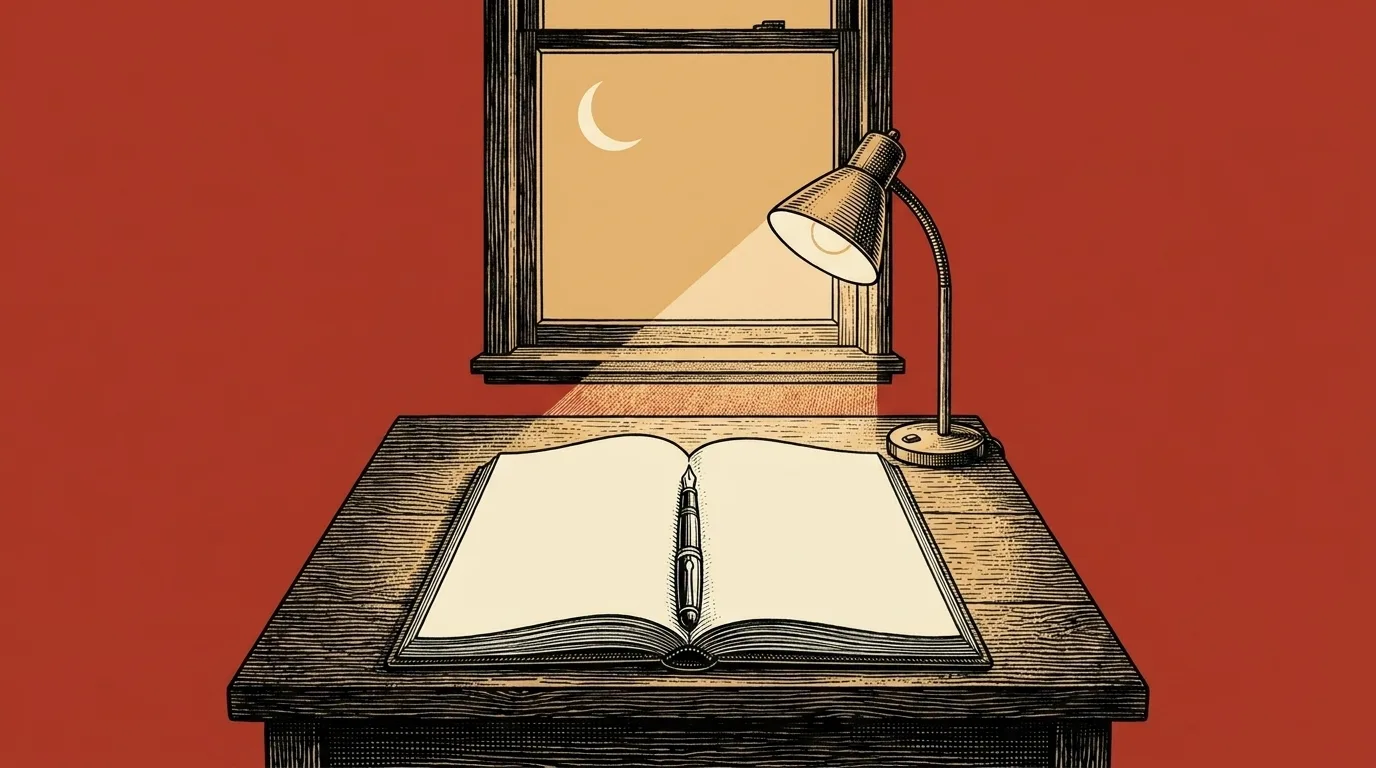
A notebook does not greet you. It does not suggest a template. It does not ask you to name your project before you have written its first sentence. You open the cover, the cover lies flat, and the page is there, waiting.
The page is also, importantly, not somewhere else. You do not need to log in to your notebook. The notebook is not buffering. The notebook is not a place where the words live; the notebook is the words. If the notebook is lost, the words are lost. If the notebook is in your bag, your novel is in your bag.
Software cannot be a notebook in every way. But it can refuse to be the opposite of one.
That refusal is most of the design. A page and a cursor on a warm cream background. A title bar that disappears. A panel of characters and places you can summon, then dismiss, with a single keystroke. A folder of plain Markdown files on your computer, so the words live somewhere you actually own.
What stays out of the way
Three rooms. Write is where the words go. Codex is where you remember who is who. Outline is where you can see the shape of the thing. You can use them without configuring AI. A free account covers writing and export for your first novel.
AI is optional. It can discuss your story and proofread your text. If you want a different way into a passage, you can ask for a rewrite and decide whether to use it. The choice belongs with the writer.
Those tools require Supporter and your own OpenRouter key, with model usage billed separately. Relevant book context goes through Penflow to OpenRouter and a model provider. You can also enable automatic story-note checks to suggest updates for your review. In version 0.2.15, these checks are off by default and have a separate switch in Account. The privacy page explains what is sent.
What outlives the software
Every word you write lands in a local project folder, in plain Markdown, in files you can read with any text editor that has ever existed. Local save points give you history, and optional GitHub backup pushes those same files to a private repo you own. If Penflow disappears tomorrow, your novel still opens. That is the test, and it is the point.
A novel takes years. The software you write it in should not be the part that decides whether you finish.
If you are still working out the shape of yours, how to write a novel covers the full process from first idea to finished draft.